
01
Neon Horizon Chase
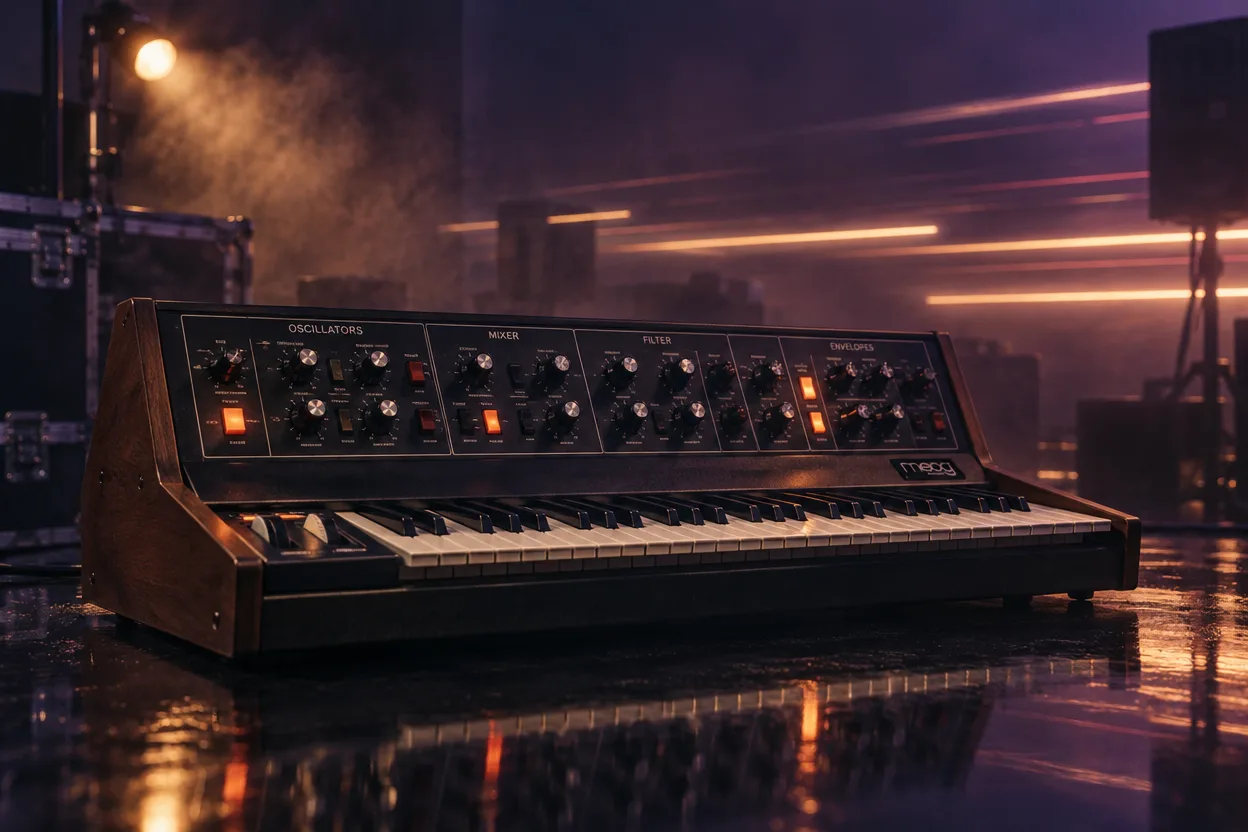
Retro synthwave with a driving beat and an instrumental lead.
Reuse this promptHave a song idea but no studio? Describe the sound you want or add your own lyrics to create AI-generated music. Explore different genres, vocal styles, and instrumentals in one place.
New accounts receive 20 free credits. No credit card required.
Hear the Results
Compare different genres, moods, and vocal approaches. Listen to the examples below and use their descriptions as inspiration for your next prompt.
01
Retro synthwave with a driving beat and an instrumental lead.
Reuse this prompt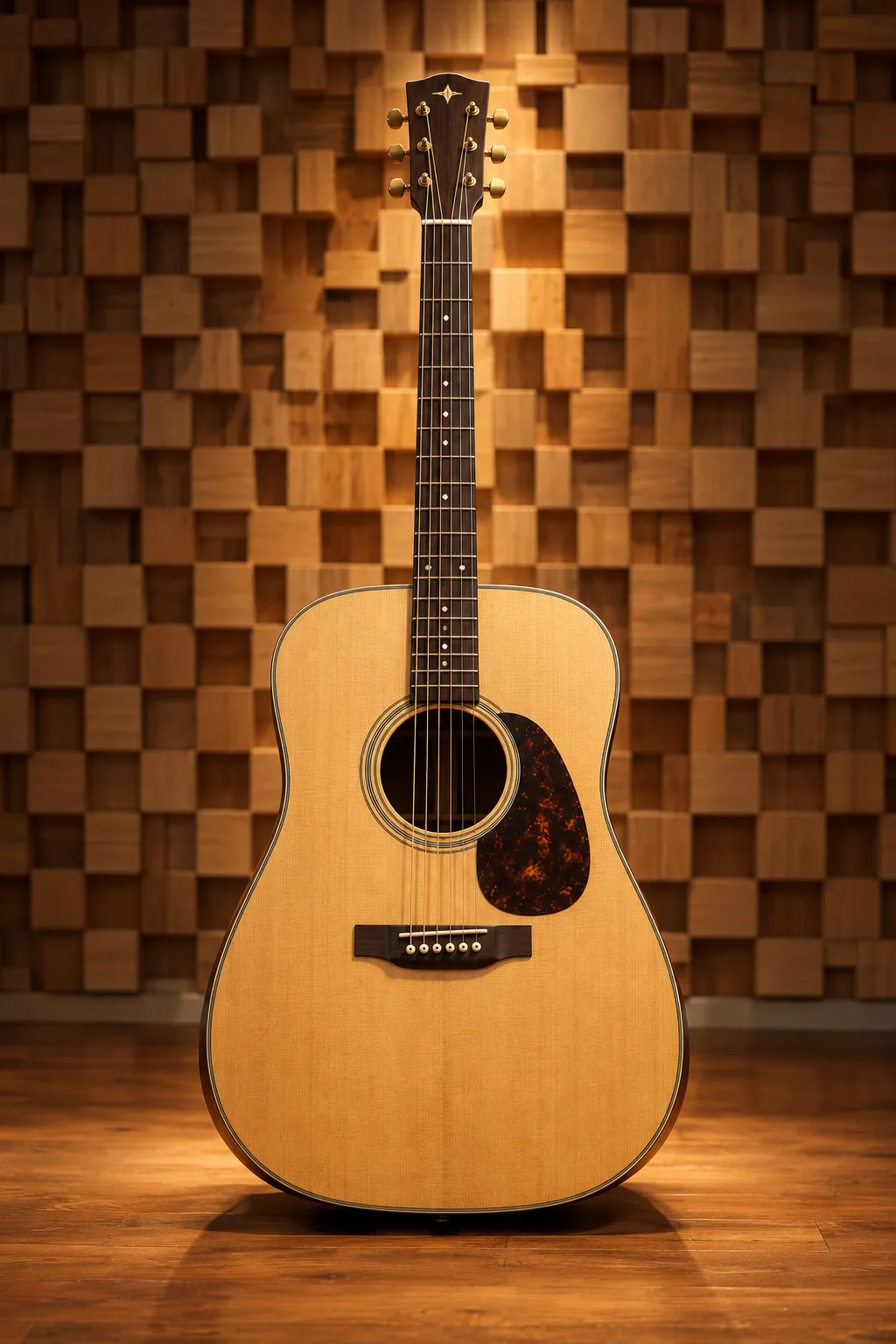
Intimate acoustic folk with warm vocals and a relaxed feel.

Cinematic orchestral music with a dramatic, uplifting atmosphere.

Smooth neo-soul with mellow rhythm and expressive vocals.
Three Simple Steps
Start with a short prompt or your own lyrics. Choose the sound you want, generate a version, and listen before deciding what to make next.
Enter a genre, mood, instruments, or lyrics. A focused prompt gives the generator a clearer direction.
Select the available style and vocal options, or make an instrumental if you do not need a singer.
Preview your generated track. Adjust your prompt and try another version, then download available outputs from your workspace.
Creative Controls
Explore the ways you can guide your song, from the initial prompt to the finished audio.
| Feature | What it does |
|---|---|
| Text to music | Describe a scene, genre, or feeling and turn your words into a music idea. |
| Lyrics to song | Bring your own verses or chorus and explore how they sound with an AI-generated vocal performance. |
| Instrumental music | Create music without lead vocals for intros, videos, or background listening. |
| More than one direction | Change your prompt and explore different arrangements instead of settling for the first result. |
| Guide the style | Use genre, mood, instruments, and available generation settings to shape your track. |
| Keep your creations together | Return to your workspace to listen to saved tracks and access available download options. |
From Idea to Audio
Musicfy is an online AI music creation tool for turning written ideas and lyrics into songs. Describe a genre, mood, or instrument combination, then generate music to preview and refine. You can experiment with vocal songs and instrumental tracks without recording your own performance.

Write a few words about your idea or paste a lyric draft. Musicfy turns that direction into audio you can preview and build on.
Made for Real Projects
From a quick intro theme to a song built around your lyrics, start with a clear creative direction and explore different results.
Create verse-and-chorus ideas in styles such as indie pop, hip-hop, or acoustic music.
Explore instrumentals for tutorials, short videos, podcast intros, and personal projects. Check your plan’s license before publishing commercially.

Try a different mood, vocal approach, or arrangement to find the sound that fits your idea.
Plans and Credits
Try music creation with welcome credits, then review the available plans for more generations. Check each plan’s credit allowance, renewal terms, and commercial-use conditions before subscribing.
Billed monthly. Cancel anytime.
Billed monthly. Cancel anytime.
Billed monthly. Cancel anytime.
Billed monthly. Cancel anytime.
$99.90 billed yearly. Cancel anytime.
$199.90 billed yearly. Cancel anytime.
$499.90 billed yearly. Cancel anytime.
$999.90 billed yearly. Cancel anytime.
Questions Answered
Find out how prompts, lyrics, credits, downloads, and usage rights work before you create.
Musicfy is an online tool that generates music from text descriptions or lyrics. You can describe a style or mood and explore AI-created vocal songs or instrumental tracks.
Yes. Enter your lyrics in the available creation workflow, choose a suitable music style, and generate a track to hear an AI interpretation of your words.
New accounts receive 20 welcome credits. Credit usage depends on the generation options you select; check the current pricing page for plan details.
Yes. Choose an instrumental option when available, or describe an instrumental arrangement in your prompt.
Available voice and cover options depend on the creation tool and selected model. Use voices and source material only when you have the necessary rights or permissions.
Commercial use depends on your plan, the generation model, and applicable terms. Review the current licensing conditions before using a track in monetized videos, advertising, or client projects.
Generation time depends on track length, the model, and current processing demand. Wait for the completed track to appear in your library before previewing or downloading it.
After generation, open the finished track in your workspace and use the available download options. Supported formats and access may vary by plan.
No. You can begin with a simple description of the sound you want. Adding details about genre, mood, instruments, and vocals can help guide the result.
Got a melody in mind, a few lines of lyrics, or a mood you want to capture? Enter your idea and start exploring AI-generated music.